
WorkShop YouTube Launch For Realtors in 4th & 11th September 2026 Dr Ashkan Anvari
Blog


Joining PICRA is simple and only takes a few steps.
To get started, create your personal account by providing your:
Once you complete the registration process, your personal account and member profile will be created.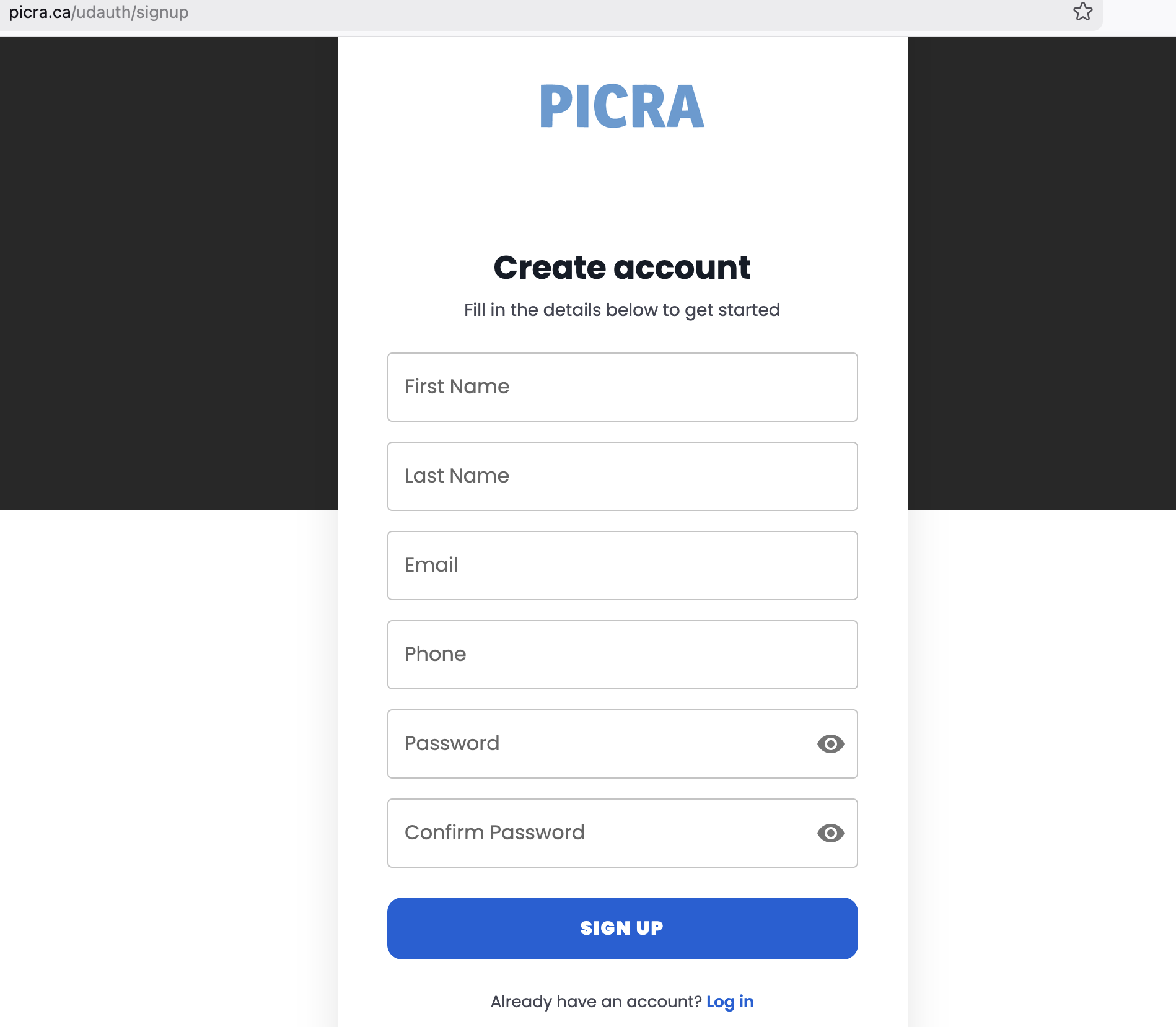
After creating your account, go to the Membership section and select the package that best fits your needs.
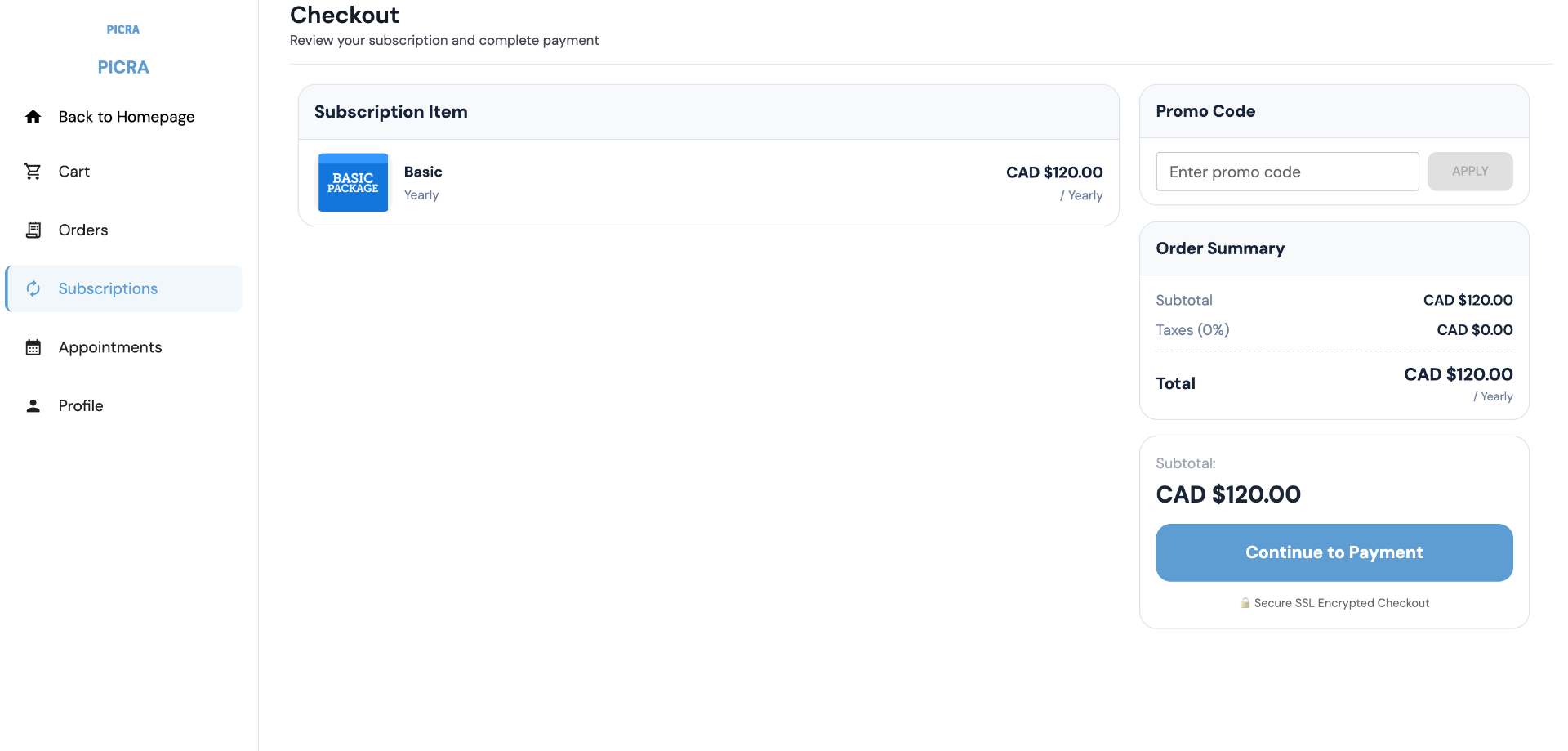
Complete your subscription by securely submitting your payment.
Congratulations! You are now an official PICRA Member and can begin enjoying all available member benefits.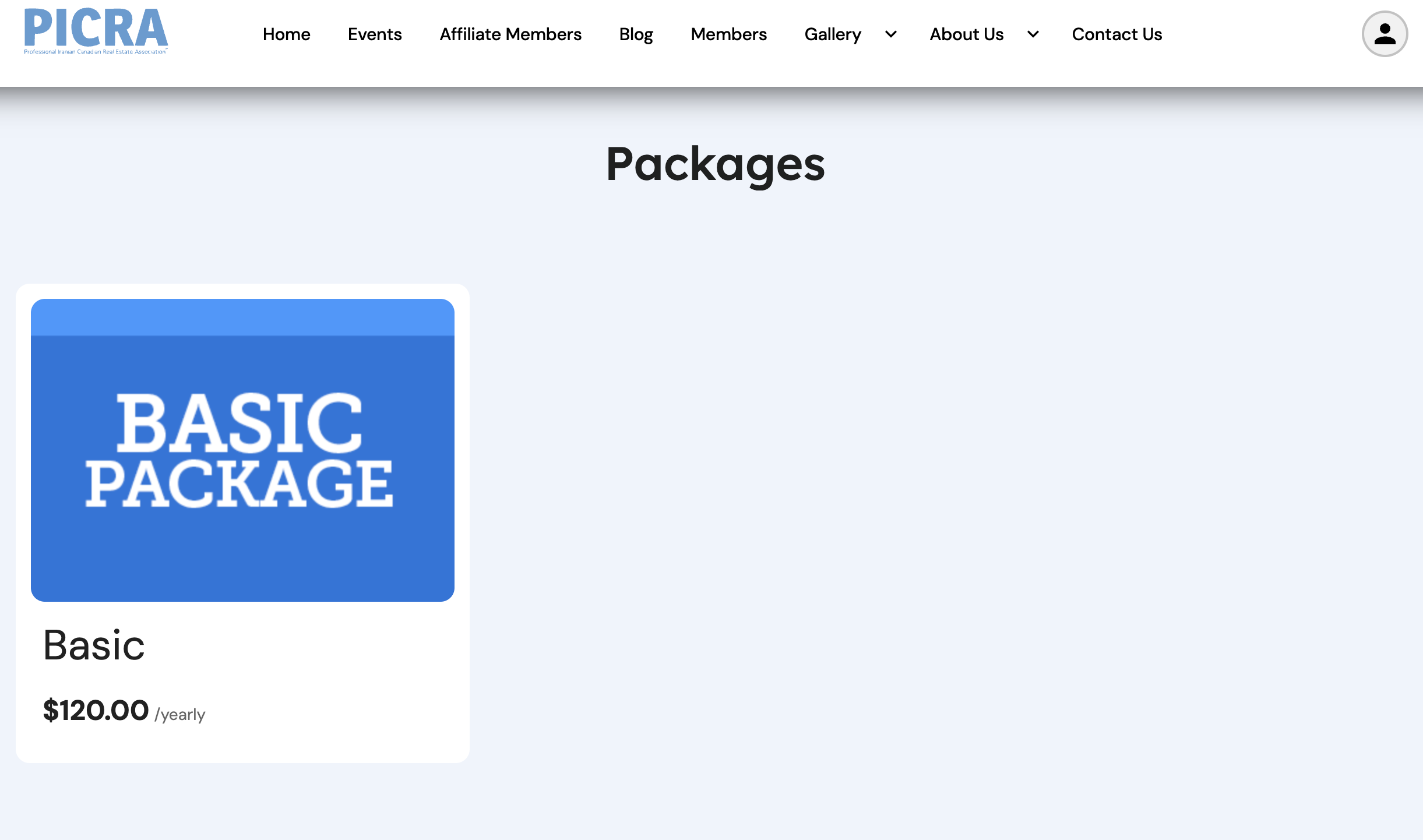
Once your membership is active, you will gain access to exclusive PICRA member benefits, including:
As a registered member, you will receive ongoing updates regarding new services, events, and exclusive opportunities.
To enjoy the full PICRA experience, download the PICRA Mobile App from the Apple App Store or Google Play, or use the download link available on the PICRA website.
After installing the app, sign in using the same email address and password you used to create your account.
By using the mobile app, you can:
We highly recommend downloading the PICRA app to ensure you never miss important updates or exclusive member opportunities.